Smart Key Diagnostics
PKES (Passive Keyless Entry & Start) diagnostics — using a Flipper Zero and DiagFlow to systematically diagnose “key not detected” complaints. No more guessing.
Tech gets a “key not detected” complaint. Right now they’re guessing — is it the fob battery? The antenna? The KVM? With a Flipper Zero and a simple diagnostic workflow, you can narrow it down in minutes.
This is diagnostics, not guessing. Follow the process.
The Diagnostic Workflow
A step-by-step approach to smart key diagnostics:
Check Fob Battery Voltage
Start simple. A weak battery is the #1 cause of smart key complaints.
Capture Fob Signal (Sub-GHz)
Flipper Sub-GHz scan — is the fob transmitting at 315 or 433 MHz? Log the result.
Check LF Antenna Response (125/134 KHz)
Flipper detects if LF antennas are broadcasting the wake-up signal — check doors, trunk, interior.
Verify Authentication Handshake
Fob responds to LF wake-up, car responds to fob — does the handshake complete?
Narrow to Component
Fob works + antennas work = KVM or RF receiver problem. Fob dead = fob. Antennas dead = wiring or module.
Flipper-Testable Components
LF Transmitters
125/134 KHz — Flipper detects if antennas are broadcasting the wake-up signal
Smart Key Fob
Sub-GHz scan verifies the key is responding at 315/433 MHz
RF Receiver
If the key is transmitting but the car doesn’t respond — problem is likely here or KVM
CAN Bus Modules
ABS, TCM, KVM, Security, ECM, Cluster, Steering Lock — Flipper with CAN GPIO board can sniff traffic
Frequency Reference
Common smart key frequencies by region and make:
| Region / Make | Frequency | Notes |
|---|---|---|
| Most US Vehicles | 315 MHz | Standard North American frequency |
| JLR (Jaguar/Land Rover) | 433 MHz | European standard |
| European (BMW, Mercedes, VW) | 433 MHz | EU regulation frequency |
| Japanese (Toyota, Honda) | 315 MHz (US) | May vary by market |
| LF Wake-up (all) | 125/134 KHz | Universal for PKES antenna wake-up |
Captures and Gallery
Flipper captures and diagnostic screenshots will be added here as the tool develops.
Flipper Zero — Signal Viewer
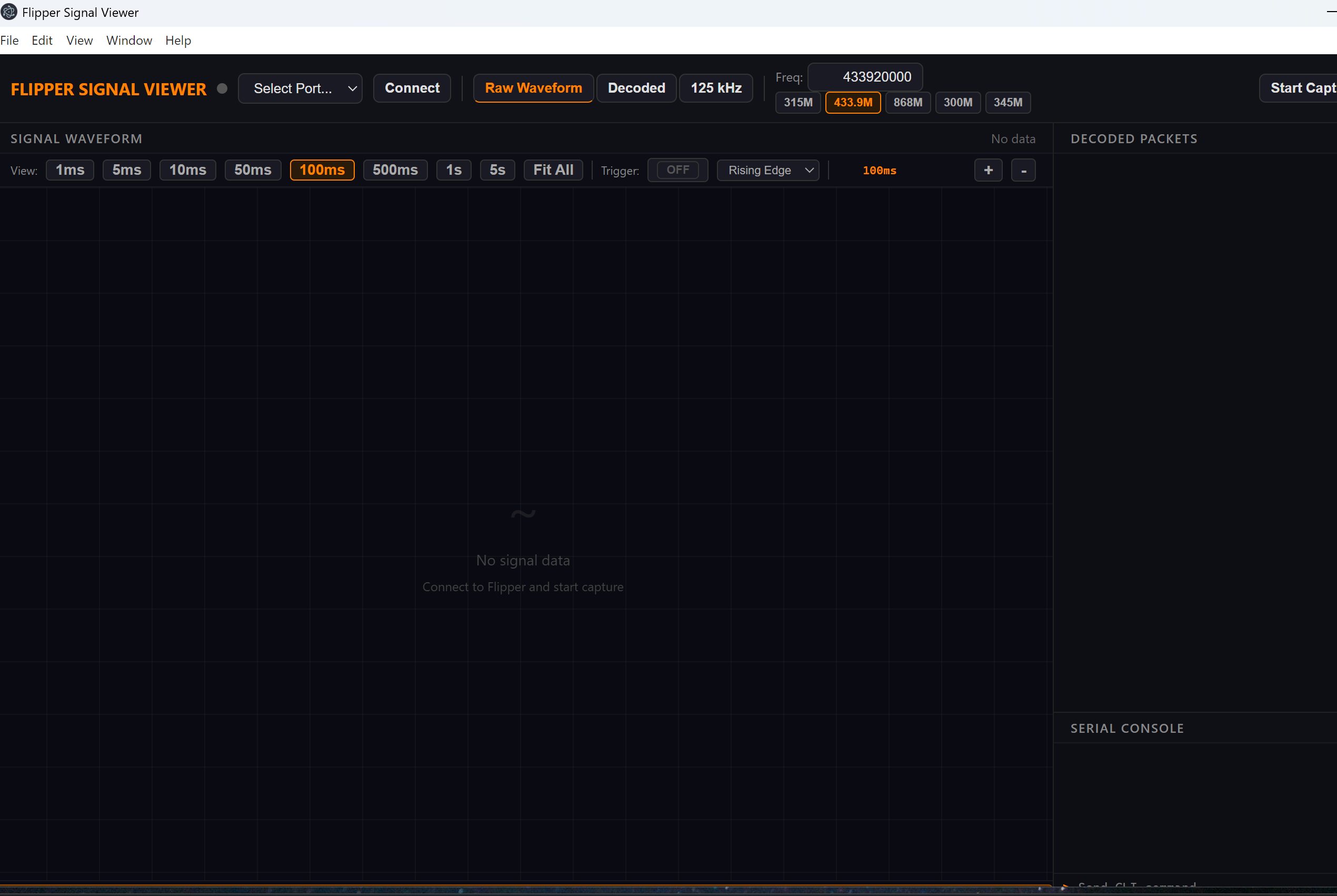
First capture — more signal captures coming.
More captures coming — check back often
Have a smart key diagnostic to share? Send it in

